Worker – Remote Jobs & Real Connections.
The global networking app for freelancers and professionals 🌍


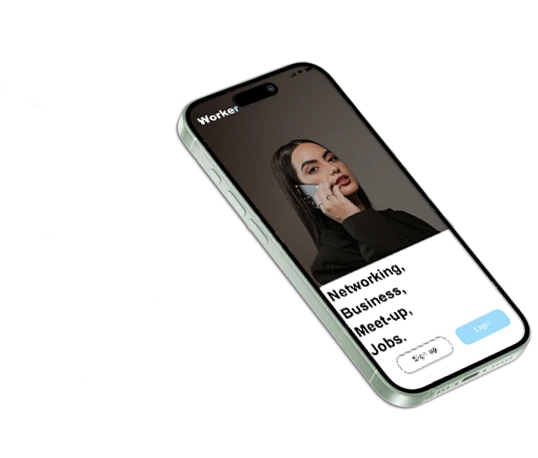
With Worker, you don’t just collect contacts — you build real professional relationships. Our networking app connects freelancers, entrepreneurs, and job seekers who share the same goals. Whether you’re exploring remote jobs or looking to grow your business, Worker helps you turn interactions into real career growth and global opportunities that matter.

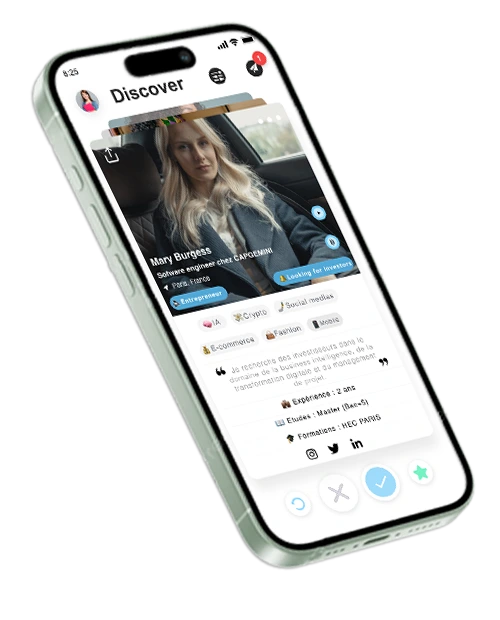
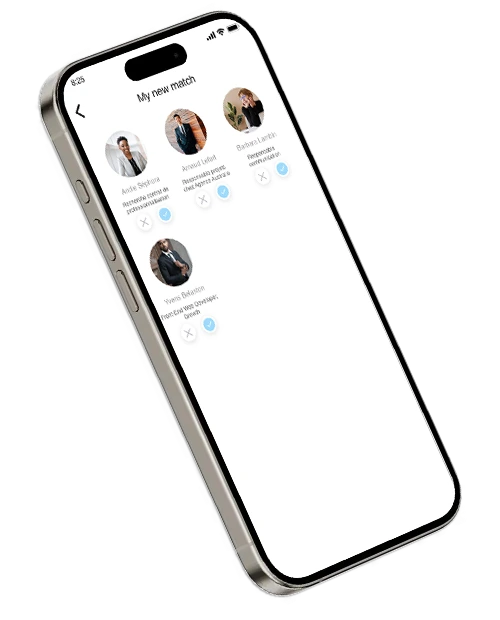
The Worker algorithm uses smart matching to connect you with people who truly fit your goals. It analyses skills, location, and interests to suggest relevant professionals — from freelancers and startups to mentors and recruiters. Across cities worldwide, Worker helps you unlock global opportunities and collaborate with purpose through intelligent professional networking.
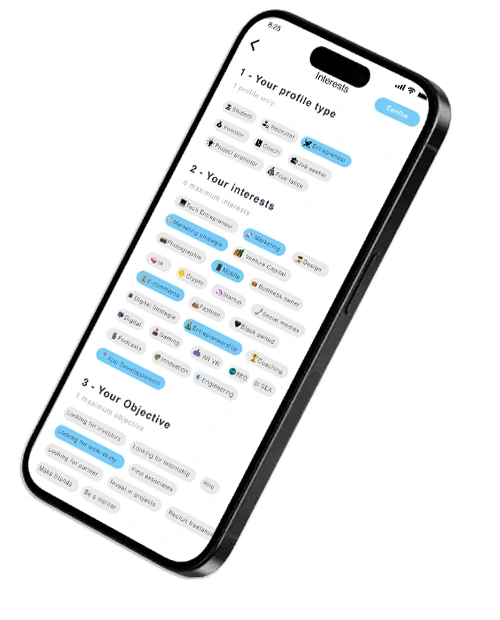
With Worker, real networking becomes effortless. You connect instantly with freelancers, startups, and professionals ready to collaborate. No noise, no wasted time — just meaningful exchanges that help you move forward. Whether you’re expanding your career, finding partners, or launching projects, Worker keeps things simple, fast, and effective for genuine career growth worldwide.
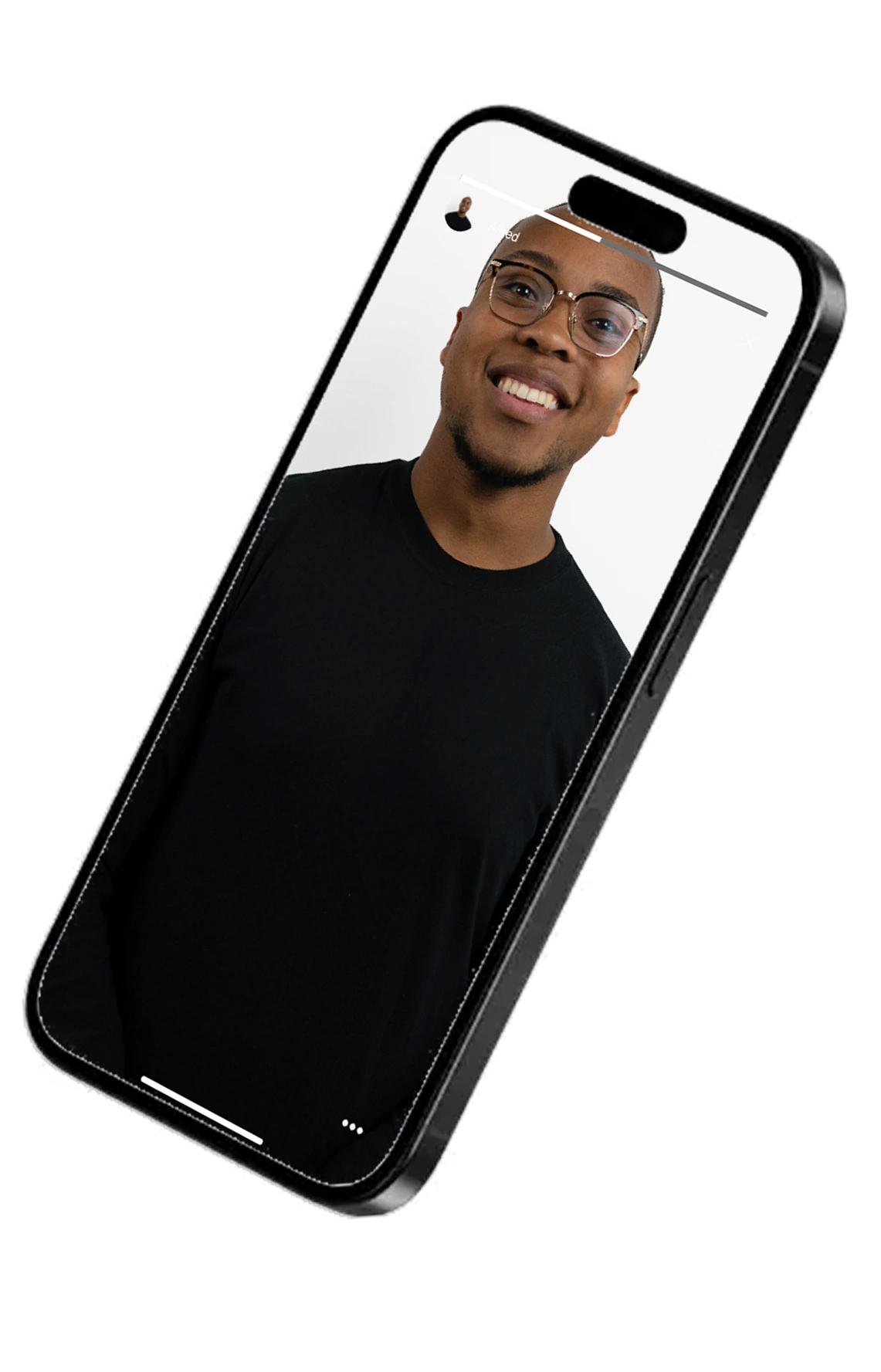
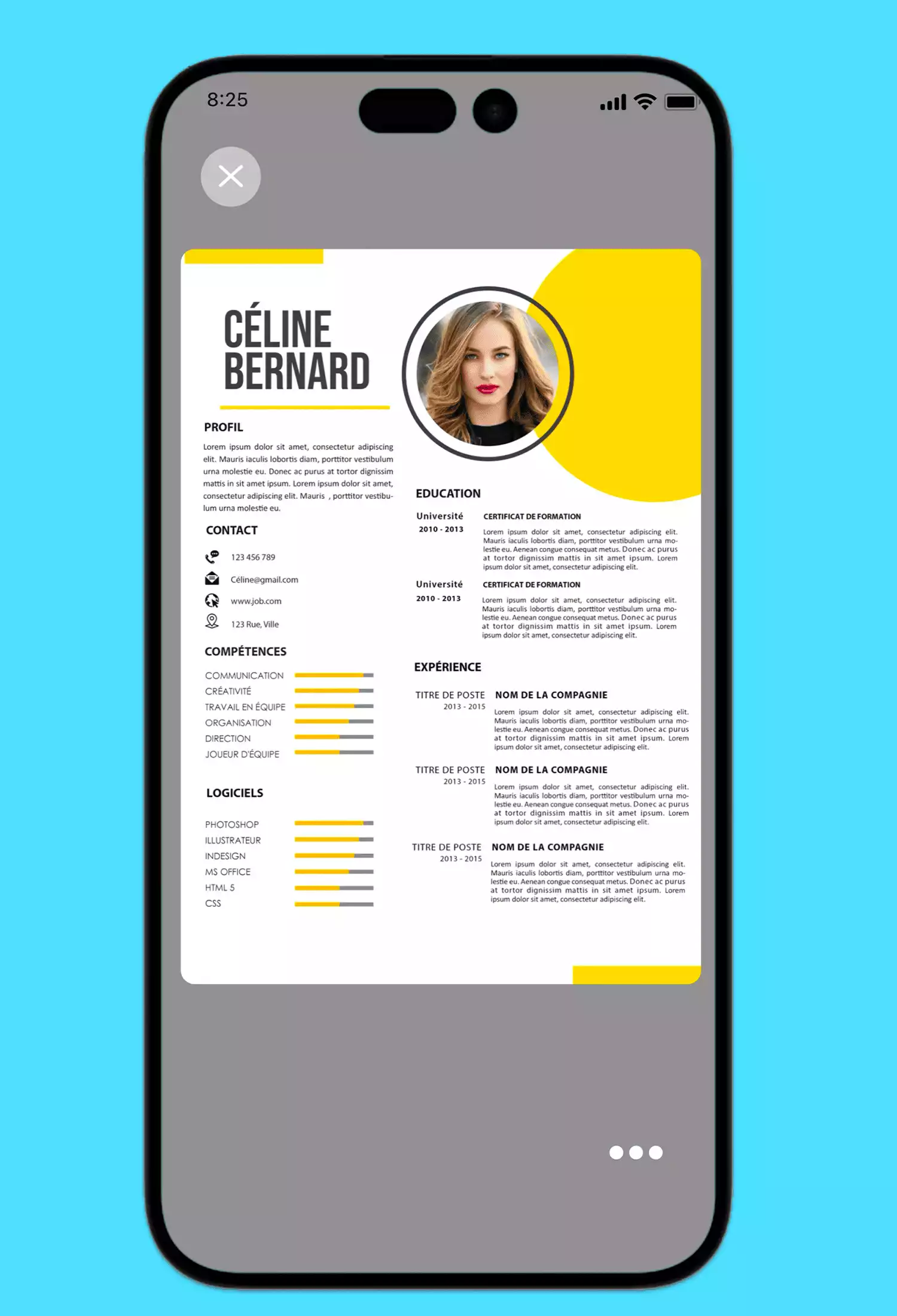
Your Worker profile is your personal brand — a space to highlight who you are and what you do best. Share videos, pitch decks, or project files that reflect your work. From freelancers to startups, everyone can boost their career visibility, build credibility, and attract real opportunities for professional growth worldwide.
Worker connects the next generation of global professionals through smart networking and career opportunities. From New York to Lagos, London to São Paulo, find remote jobs, collaborate on freelance work, and meet entrepreneurs, mentors, and startups that match your ambitions. Join real communities, attend impactful events, and grow your career without borders.
Connect globally with freelancers and startups. Worker makes networking simple and boosts your career growth.
Find remote jobs, freelance work, and startup roles that match your ambitions. Connect with clients and teams across cities worldwide to grow your career through real collaborations and opportunities that matter.
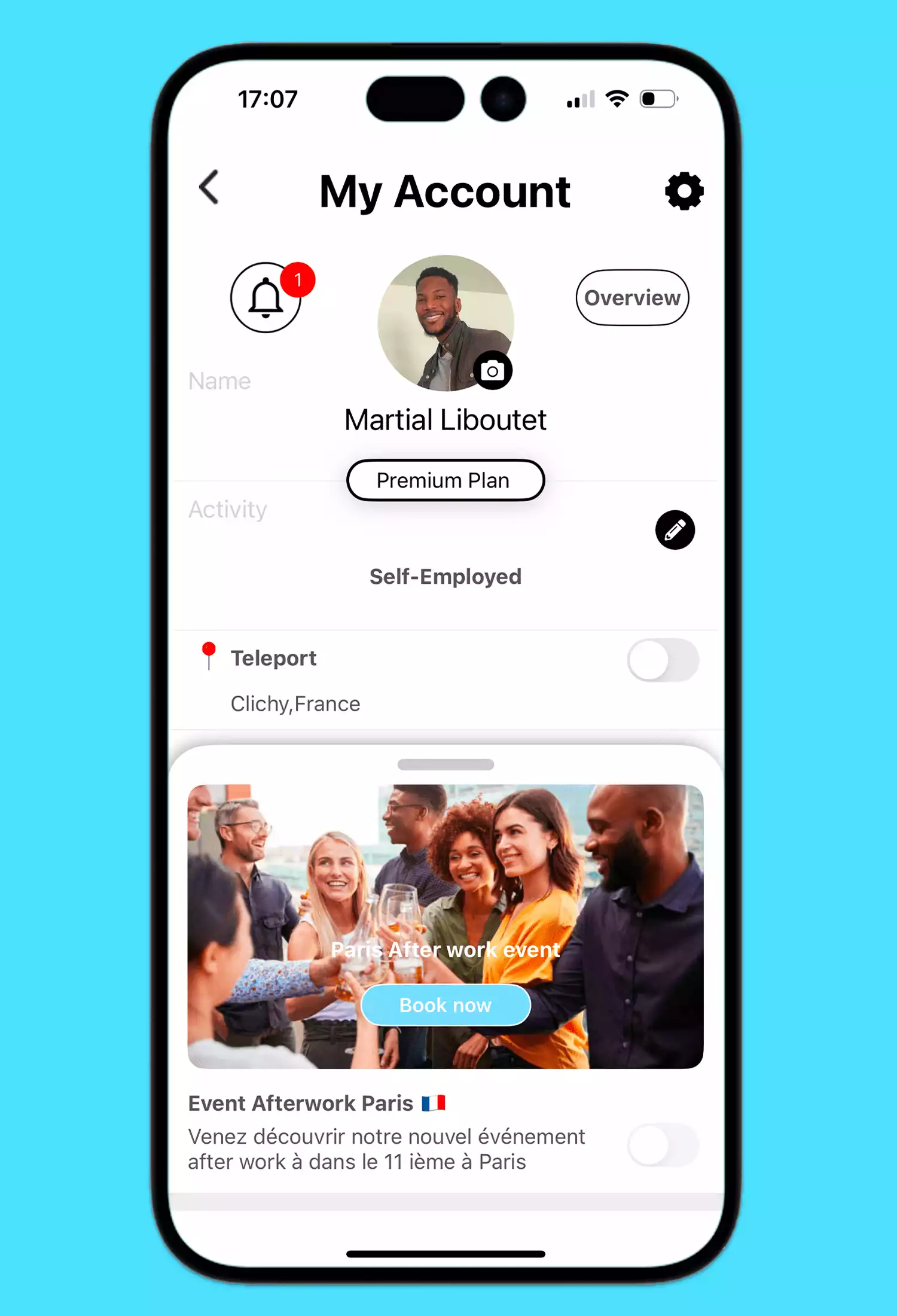
Attend networking events in key cities like London, Lagos, and New York. Meet freelancers, startups, and entrepreneurs in real life or online, exchange ideas, and build meaningful professional relationships.
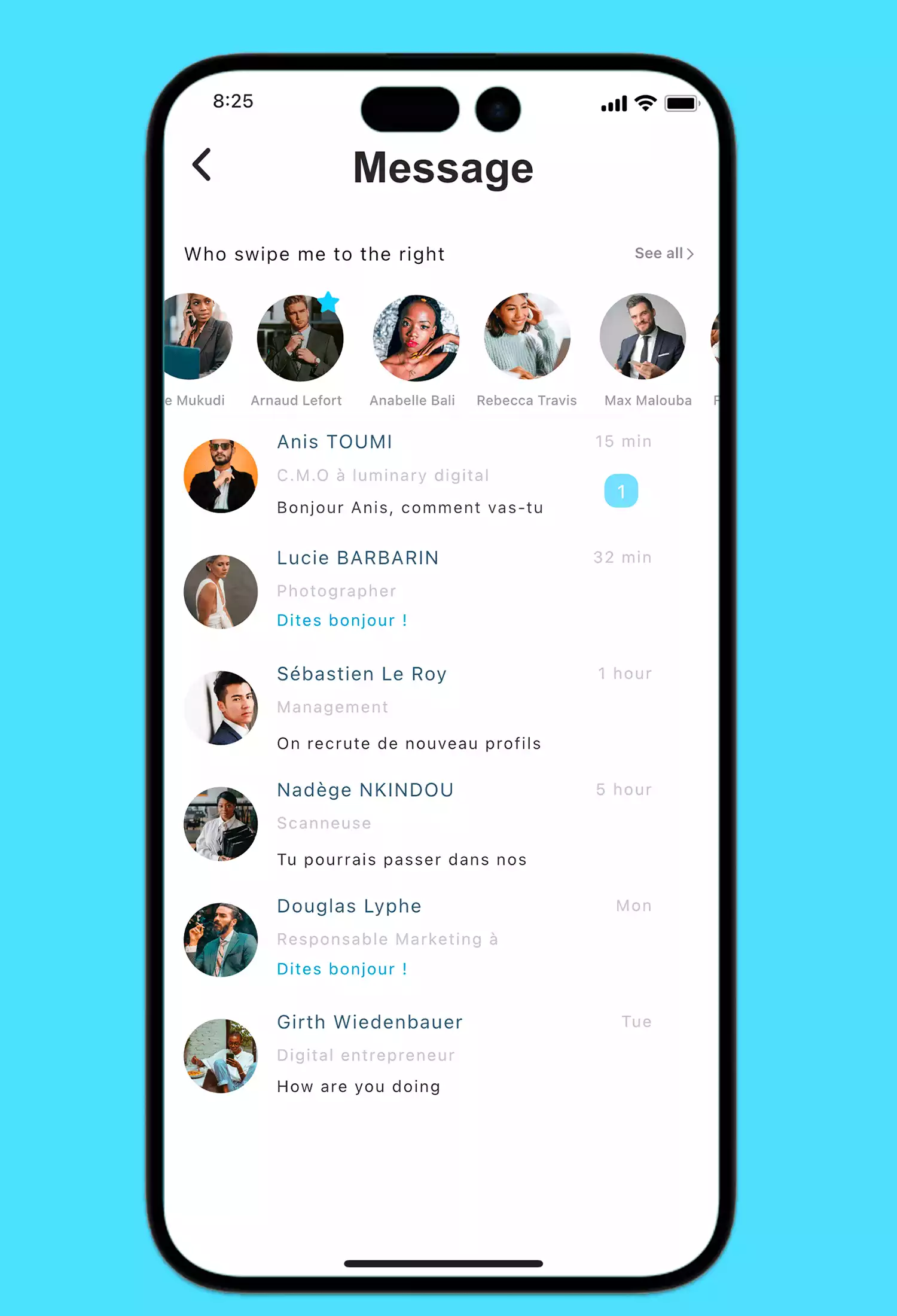
Connect through smart matching with mentors, freelancers, and innovators who share your vision. One chat could start your next project or career opportunity — simple, real, and global.
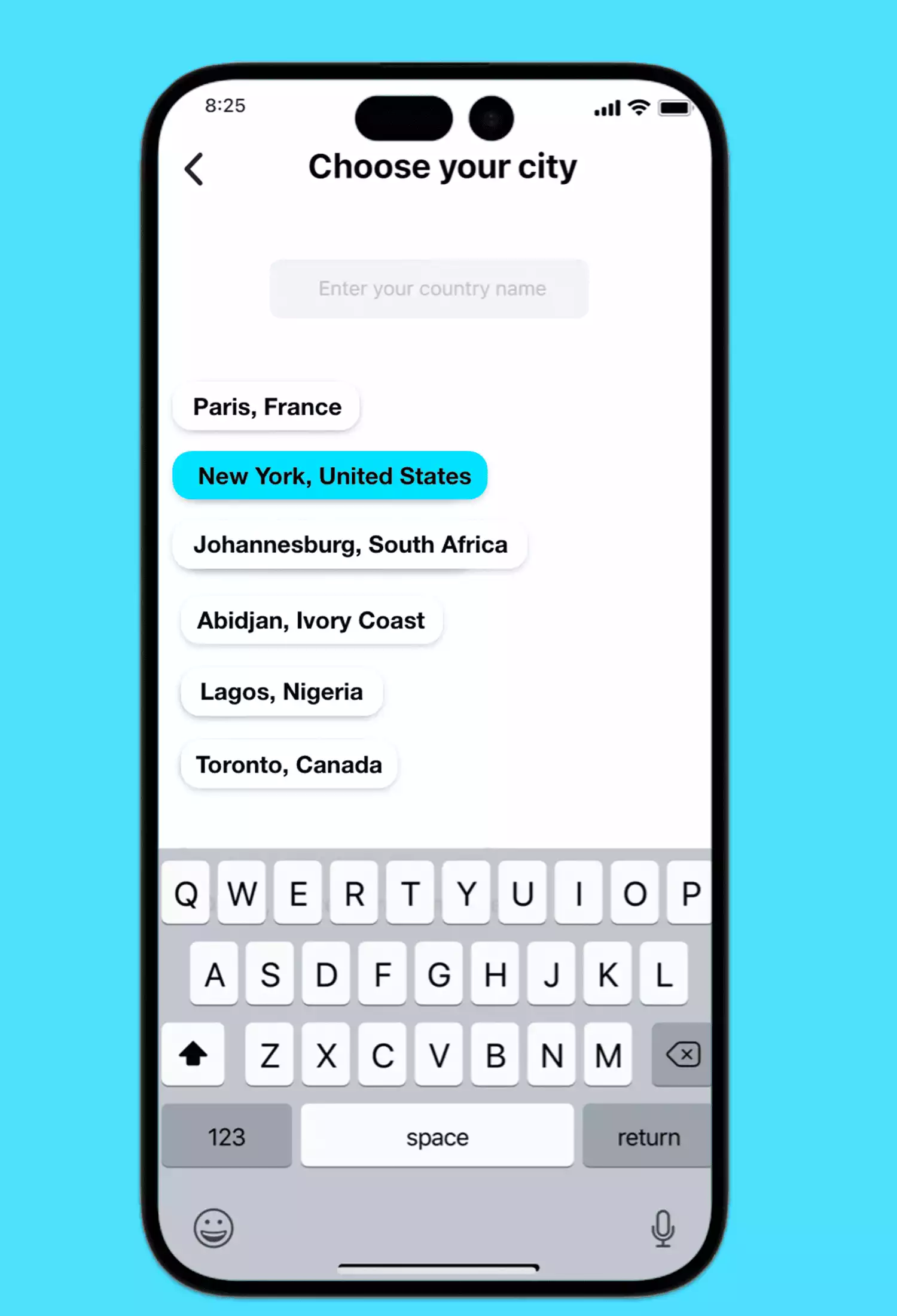
Use the Passport feature to explore new cities and communities. Switch from New York to Berlin or Lagos in one click, meet local professionals, and expand your network globally with Worker.
Need more info? Check out our Frequently Asked Questions and find your answer 😎

Where can I download the Worker app?
expand_moreWorker is available worldwide! Download the app for free on the App Store (iPhone) or Google Play (Android). Start building your professional network and discovering new career opportunities today.
How do I sign up and log in?
expand_moreDownload the app, open it, and sign up in just a few seconds with your email address. Create your professional profile, explore the community, and start networking instantly.
How do I log out?
expand_moreGo to your Profile Settings and select “Log out.” You can log back in anytime — your contacts, matches, and messages will remain safely saved.
Can I chat with other members for free?
expand_moreYes! You can create your profile, swipe, match, and chat for free. Premium features such as profile boosts or advanced filters are available via in-app purchases to upgrade your experience.
How do I add or remove photos on my profile?
expand_moreWhen you sign up, you’ll be prompted to upload a profile picture. You can add, change, or delete photos anytime from your settings. For the best impression, choose clear, recent, and professional photos.